Add your first team
Permission access
This requires an Account Admin permission.
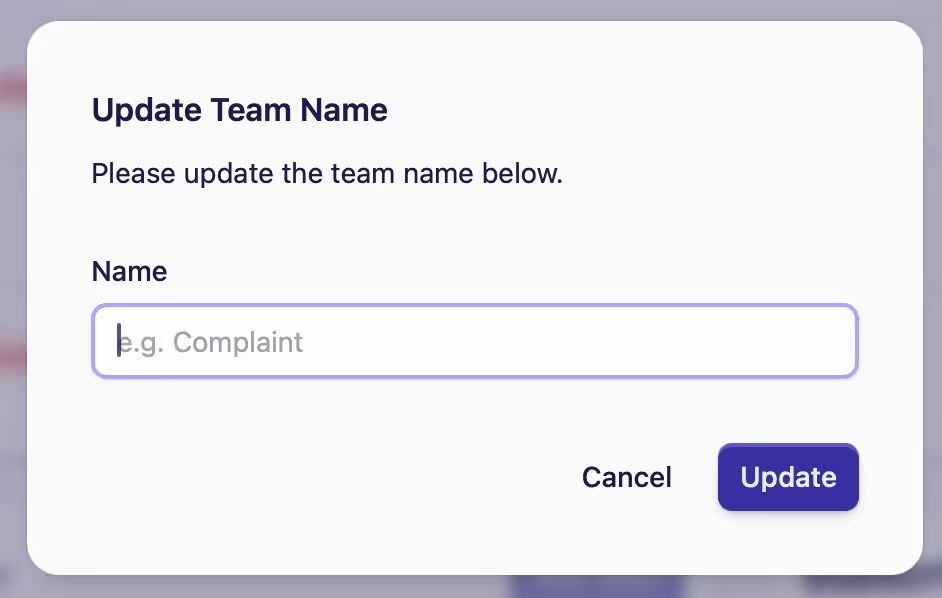
For users under the Starter Plan, follow steps 1-3 and choose to rename.
-
Go to Manage Account in the sidebar
-
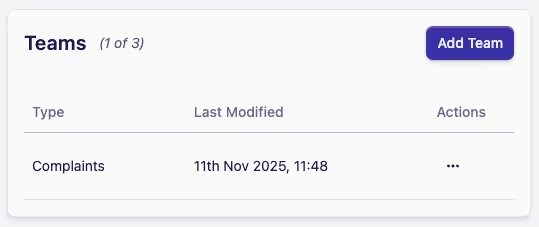
Find the Teams card on the Home screen
-
You'll see that a Default Team has been created for you, which you can choose to rename or delete. The image below shows it has been renamed to Complaints
-
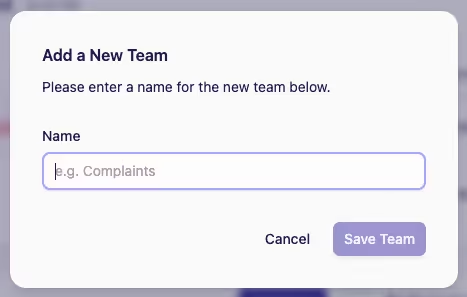
You can also add more teams to your account, depending on the limits of your subscription plan. To do this, click Add Team in the top right of the card
-
Enter the name of the team, and click Save Team
-
Rename your team by clicking the Meatball menu under the Actions column adjacent to the team name
-
Type in your team name and then Update