Add, rename, or delete teams
-
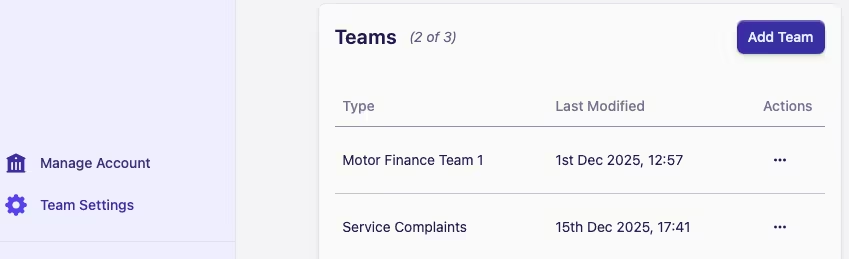
Go to Manage Account at the bottom of the sidebar
-
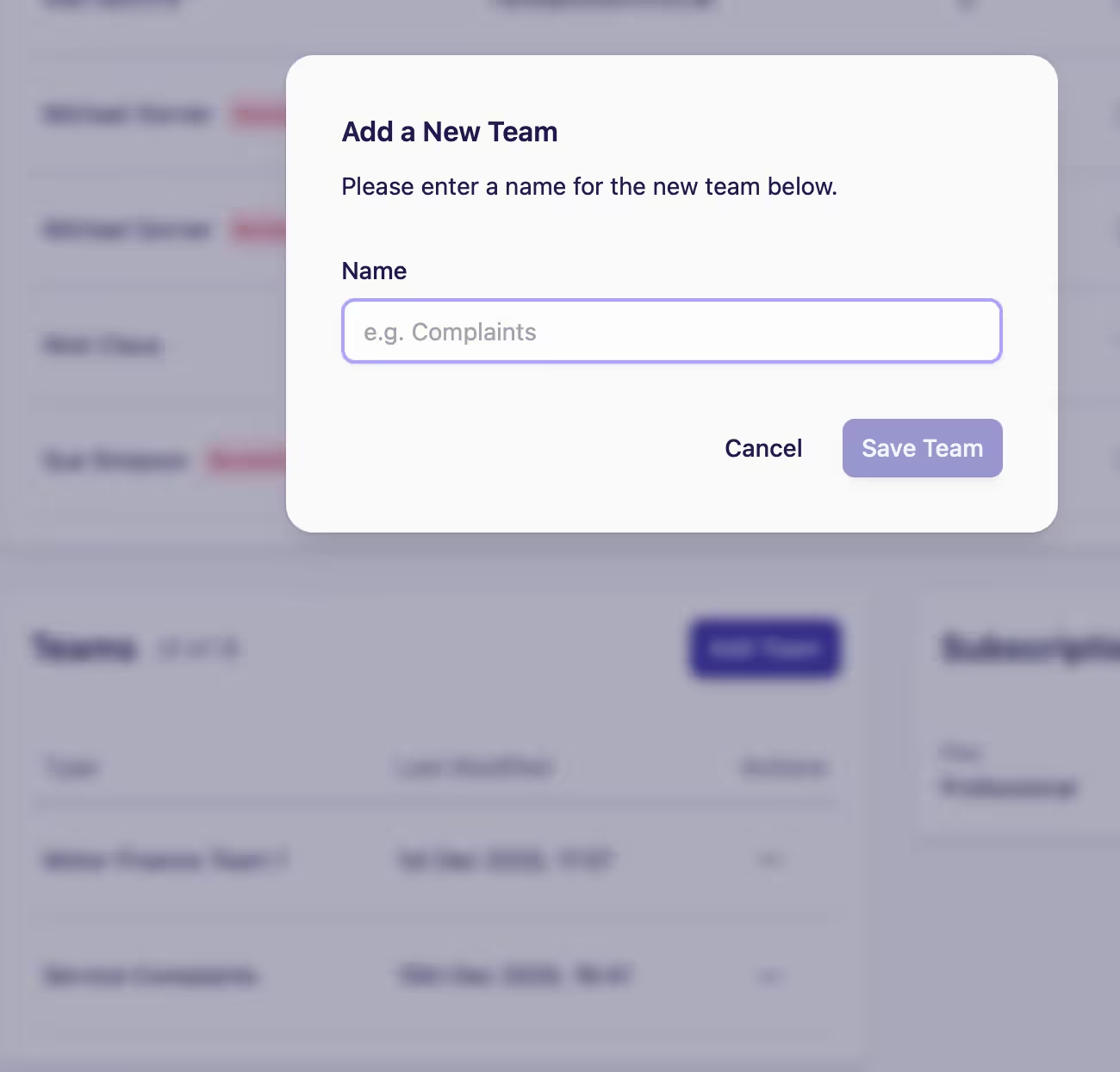
Then, in the Teams card, select Add Team, and you should see this screen:
-
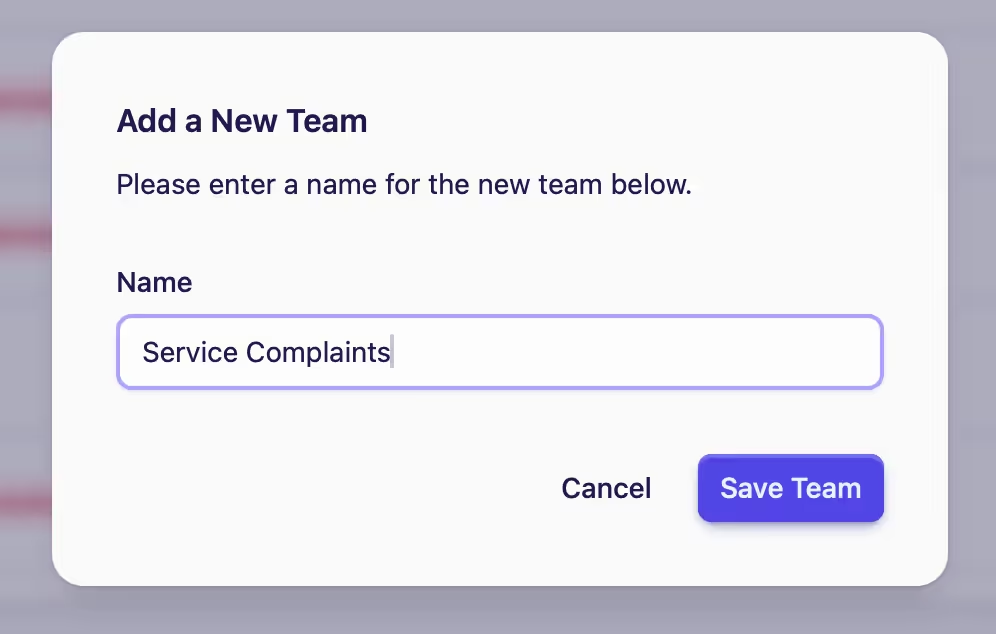
Type in the team name
-
Click on Save Team
-
You can Rename or Delete a team by clicking the meatball menu under the Actions column adjacent to the team name
The total number of teams allowed under your subscription plan will be shown in brackets.
The example shows (2 of 3): The total number of teams allowed under the plan is 3: 2 teams have been added.