
Add a new report
To add a new analytics report to your report library:
-
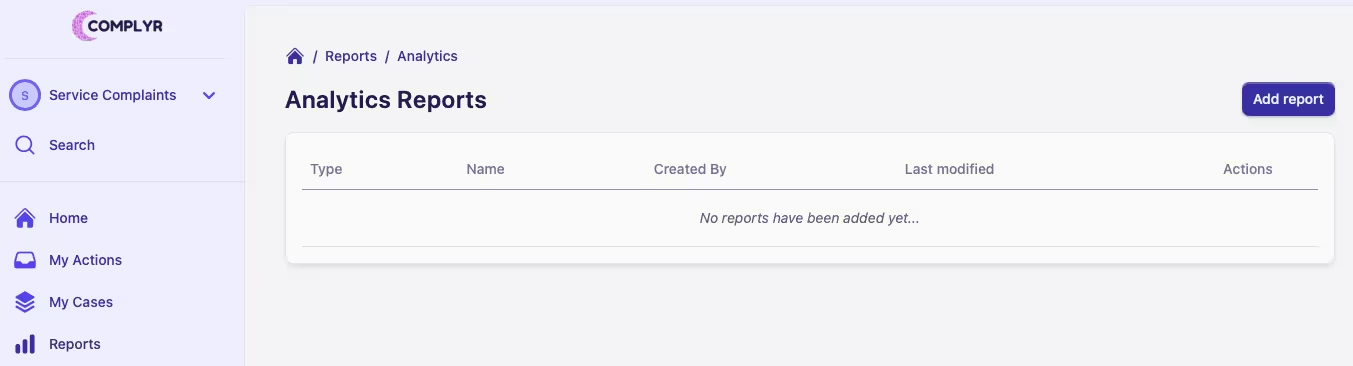
Select the team you want to add a report for, at the top of the sidebar menu
-
Click on Reports to open your report library
-
Click the Add report button in the top right of the report library
-
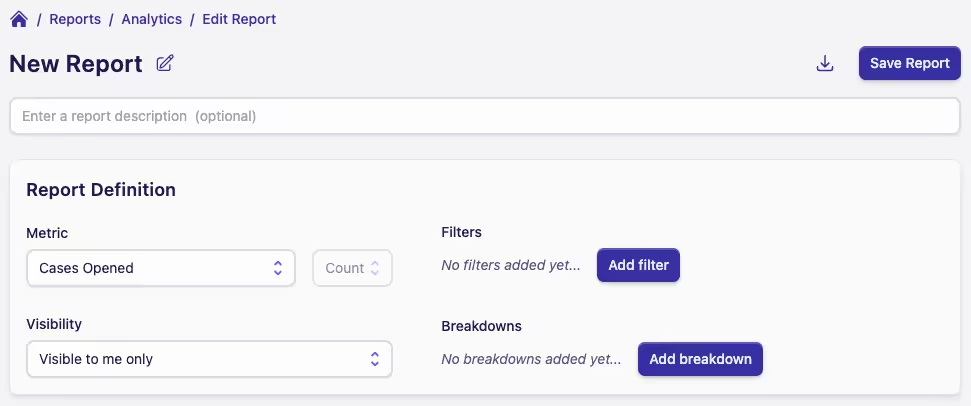
The Edit Report page will open and you're ready to start defining your new report
Changing a report name
To change the name of a report, in edit mode, simply click on the edit icon next to the report name at the top of the page. A dialog will open where you can change the name of the report.