
Time ranges and grouping
Each report can be scoped to a time range and grouped by various time periods.
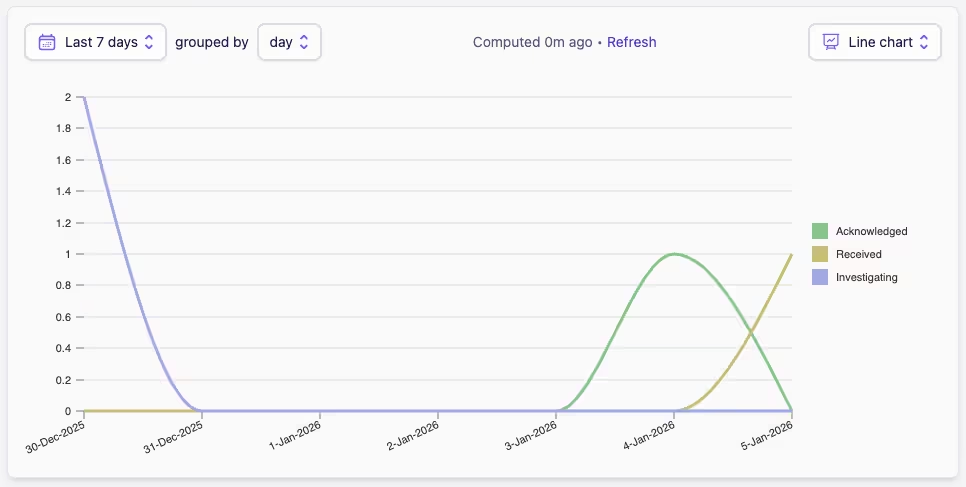
Time ranges
Time ranges allow you to filter the data in your report to a specific period. We provide a set of easy-to-use predefined time ranges, or you can define a custom range. This can be anything from one day to multiple years.
You can select from the following time ranges:
-
Today
-
Yesterday
-
Last 24 hours
-
Last 7 days
-
Last 14 days
-
Last 30 days
-
This month
-
Year to date
-
Custom range
Custom range gives you the flexibility to select any date range you want for your report. You simply need to choose the start and end dates.
Groupings
Groupings allow you to aggregate your data by specific time periods within the selected time range. For example, if you select a time range of the last year, group by month, your report will show totals for each month.
Groupings are especially useful for identifying trends and patterns over time, as they help to break down large data sets into more manageable segments. Filters and breakdowns can still be applied as needed.
You can select from the following groupings:
-
Day
-
Week
-
Month