
View, edit or delete a report
You will find a list of all your reports in the Reports option in the sidebar menu. The list will include reports you've added yourself as well as any reports that have been shared with you.
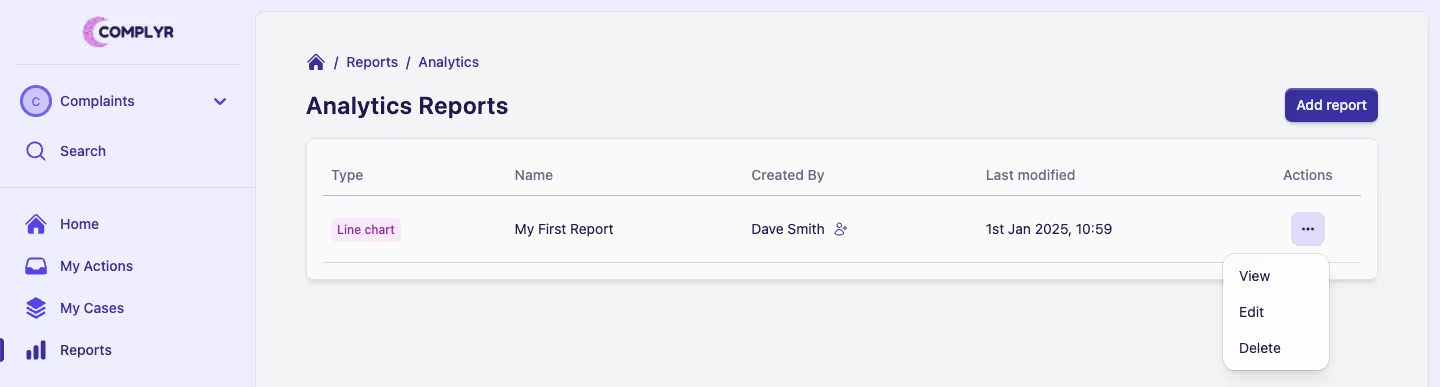
Each report in the list will have an Actions menu ··· from where you can view, edit or delete any report that you have access to.
Alternatively, simply clicking the report row will open the report in view mode.