Manage user permissions
You can manage access permissions at team level - see also managing users on the account.
-
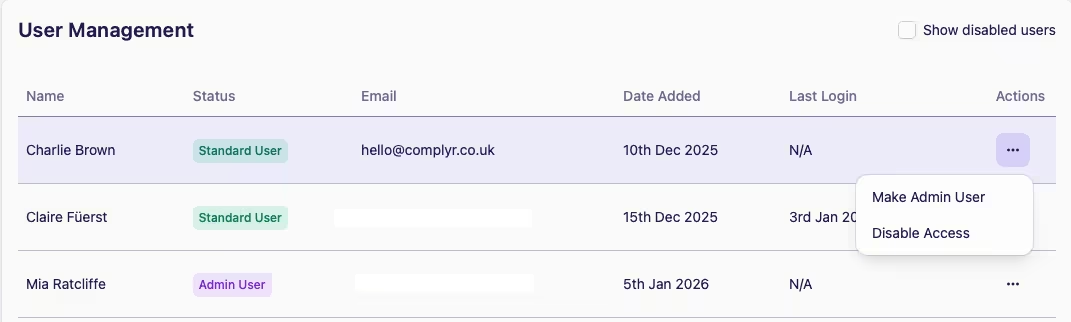
Go to the Actions column by the user's name, and choose the permission you wish to apply:
-
Disable Access → Meatball menu → Disable Access
-
Enable Access → Meatball menu → Enable Access
-
Make Admin User → Meatball menu → Make Admin User