
Add, edit, rename or delete a case type
Cases are the core unit of work in the Complyr app.
Every case has:
-
a Case Type
(example of complaint types: current account, home insurance, vehicle quality, FNOL) -
a Status,
(example of complaint statuses: open, investigation started, 28-day, 40-day, FOS referral, closed) -
an Assignee (user), and
-
usually a set of Actions.
(example of complaint actions: acknowledgement letter, summary resolution letter, 14-day update, instruct repairs)
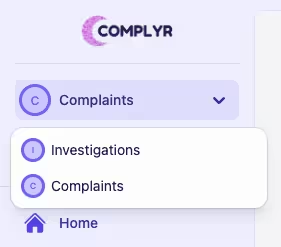
Before getting started, if a user is a member of more than one team they will need to select which team's cases they want to work on. This is done by selecting the name of the team from the dropdown at the top of the sidebar.
Add a new case type
-
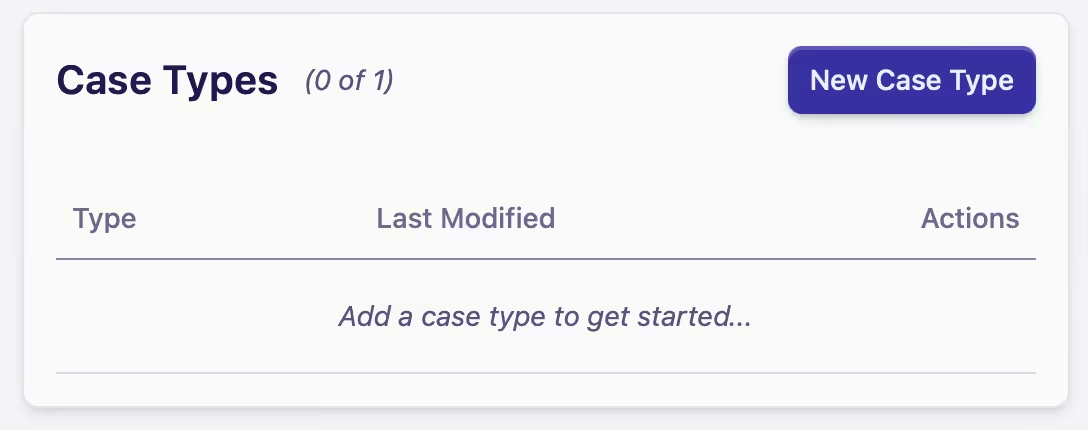
Go to the Case Types card
-
Click New Case Type
-
Name the case type, and then click Save
Rename, edit, or delete a case type
-
Select the Case Type you wish to configure in the Case Types section
-
Go to the Actions column in the New Case Type card, select the Meatball menu beside the team you're working on
-
Edits available are Configure, Rename, and Delete
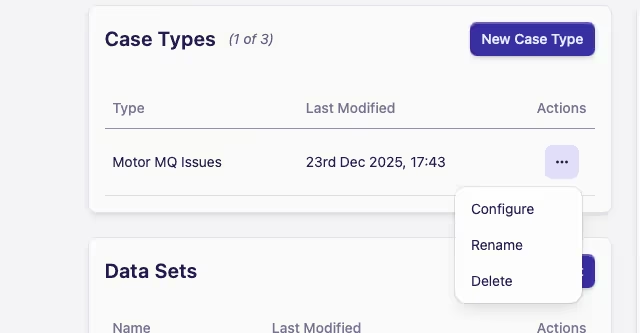
(i) Configure - see Case form sections and Case form fields under the case type configuration heading
(ii) Rename - type in the new name, then Update
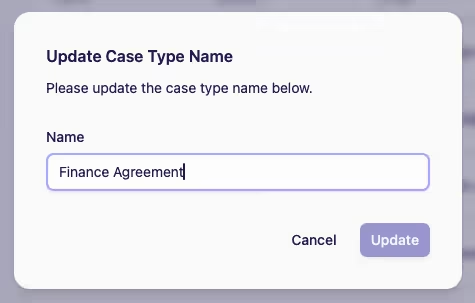
(iii) Delete - you have another opportunity to Cancel or commit the final Delete command
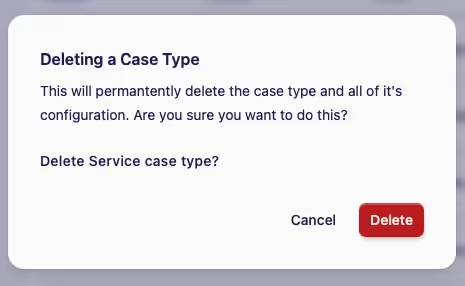
Deleting a case type will permanently delete the case type and all of its configuration, which includes data.