Configure a case type
To configure a case type in a team, you need to:
-
Go to Team Settings on the sidebar menu
-
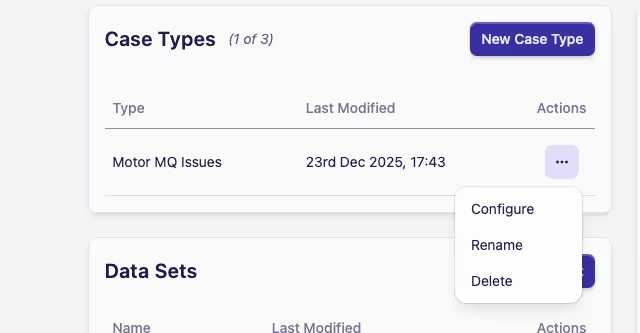
Find the case type you wish to configure in the Case Types card
Alternatively, you can add a new case type by clicking the New Case Type button
-
Click on the Actions menu ··· and select Configure
-
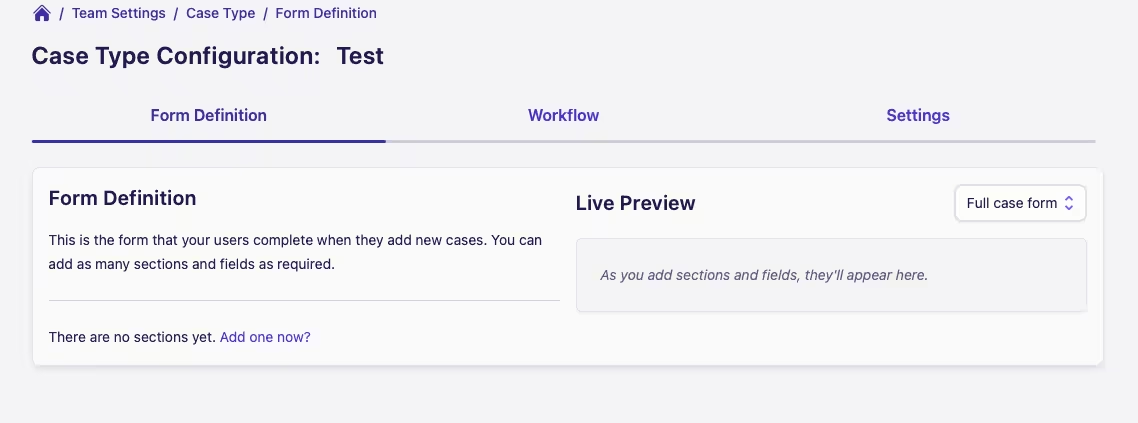
You'll be taken to the Case Type Configuration screen, ready to start making changes