
Add, update or view a case
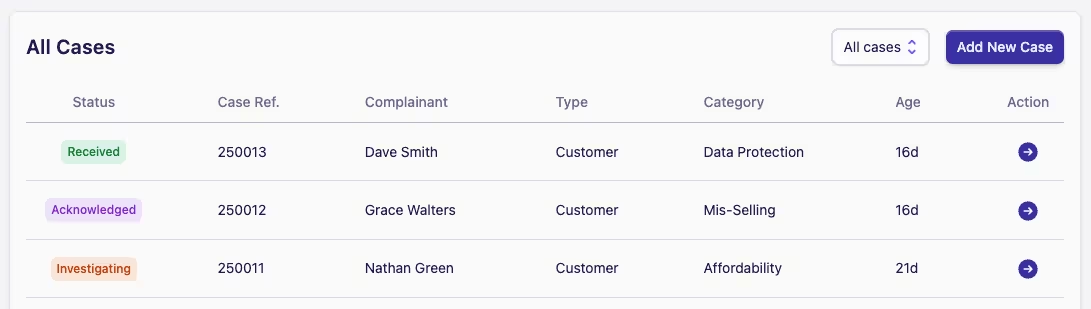
To view or update a case, simply click on a Case Row in the case list on either the Home or My Cases screens to open up the Details section of the chosen case.
Adding a new case
To add a new case:
-
Click the Add New Case button in the top right of the Home or My Cases screens
-
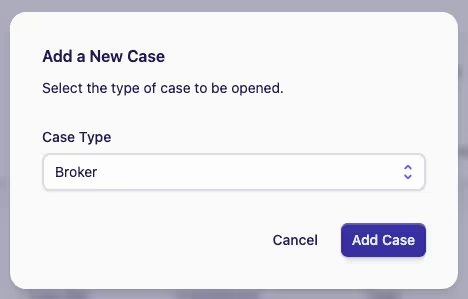
If your team has multiple case types, select the appropriate case type from the dropdown. (Note: the dropdown won't be shown if there's only one case type configured for the team)
-
The new case form will open. Complete the required fields and any other relevant information
-
Click Save Case to create the new case