
Case search
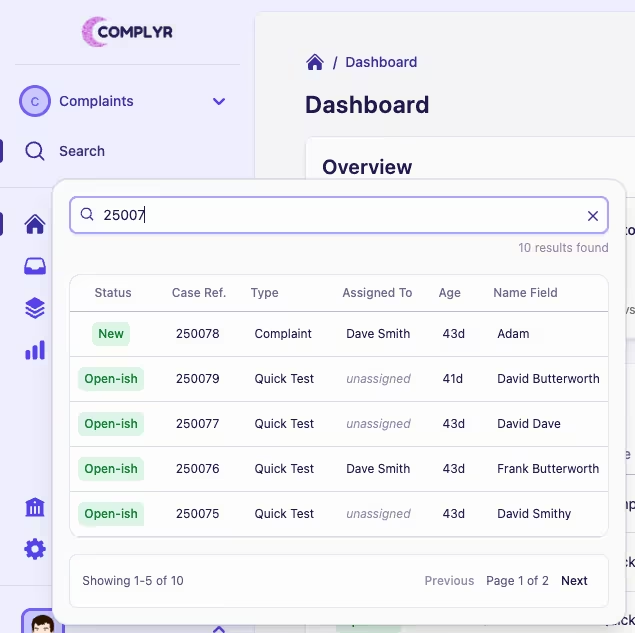
Complyr includes a quick case search in the sidebar so you can jump straight to a case rather than scrolling through a long case list.
The quick search allows you to search for cases by the Complyr case reference/ID, or any custom case list columns that have been added through the team settings and case type configuration.
How to search cases
-
Select the team you want to search for a case in
-
Click Search in the sidebar
-
Type to start searching (you need to enter at least three characters to start a search)
-
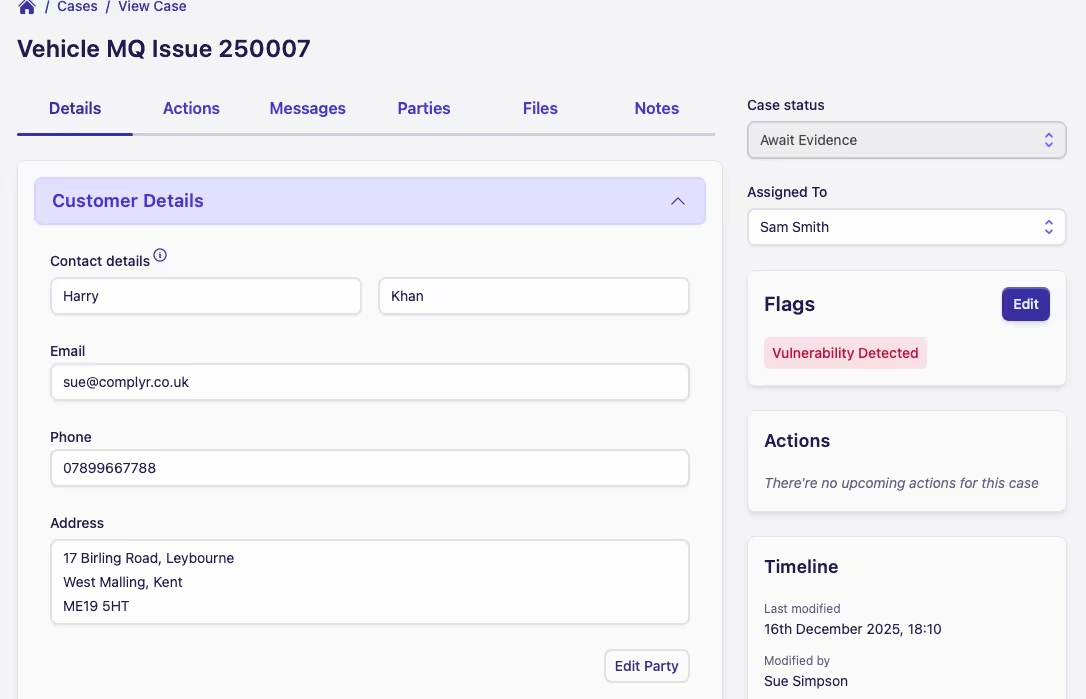
Click the case row you want and it'll quickly open up that case
Search Scope
The case search function is team scoped so ensure that you're on the correct team before searching.