
Assign a case to a user
When a user adds a new case, the system will assign that case, and any actions due on it, to the user that created it. The user can then either keep the case assigned to them, or use the Assigned To dropdown on the case sidebar, on the right of the screen, to assign it to somebody else.
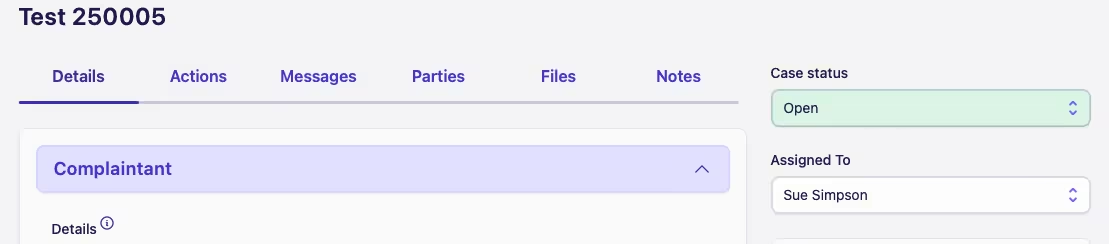
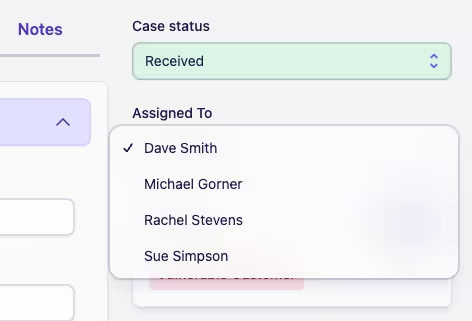
Any new case added through a public case form is unassigned and will need to be manually assigned in the first instance.
Reassign Case Actions
When a case is reassigned to another user, if there are any open actions on the case, the user will be asked whether they would like to reassign those actions to the new assignee as well. They can either click Reassign or Skip as appropriate.
Assignment Notification
If you reassign a case, the assignee will:
-
See the new case appear in their case lists, and
-
See any actions associated with the case appear in their action queue, if they were re-assigned as well