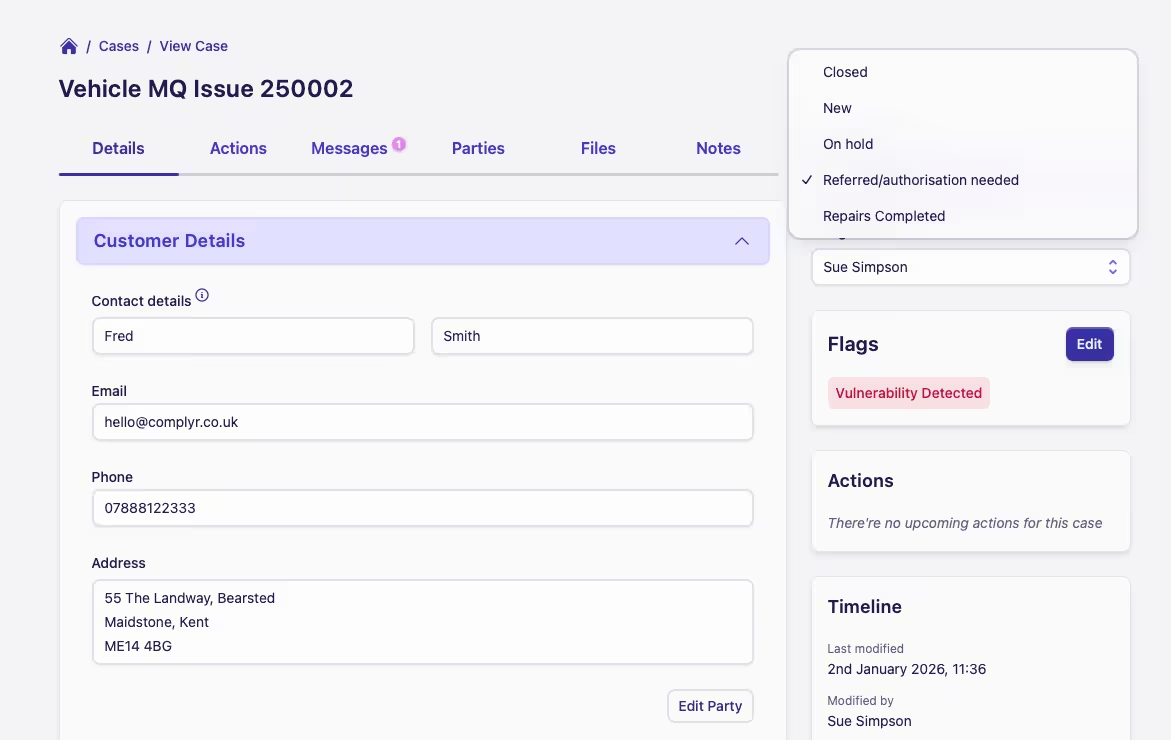
Change a case status
The Case status is found in the case sidebar on the right of the case screen.
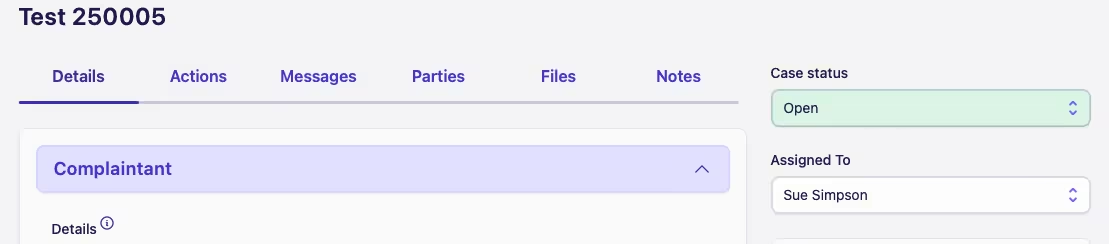
Here a user can use the dropdown to change the current status. The dropdown will contain statuses that are either:
-
A connected status based on the status workflow; or
-
A status that's available as it's not explicitly part of the status workflow
-
Read more about status workflows here
Initial and Final Statuses
All case types have two special statuses. One to represent the initial status a new case has, and one to represent the final status a closed/resolved case has. Both of these statuses are always available to select when changing case status.
For example, the initial and final statuses, New and Closed in the diagram below, will always be available to select
when changing case status.